How To Create Reusable Workspace Layouts And Keep Projects Organized
Most people do not lose productivity because they lack the right tools. They lose it because they spend too much time recreating the same setup every time a new project begins. Opening the same applications, searching for files, arranging windows, and rebuilding workflows can quietly consume hours each week.
That is why learning how to create reusable workspace layouts has become increasingly important. A well-designed workspace layout gives every project a familiar structure. Instead of starting from scratch, you begin with a system that is already organized, easy to navigate, and built to support the way you work. Over time, this approach reduces friction, minimizes distractions, and helps projects move forward more smoothly.
Why Reusable Workspace Layouts Matter
A reusable workspace layout is a predefined structure that can be applied repeatedly across projects. Whether you manage content, design assets, software development, marketing campaigns, or client work, having a consistent setup eliminates unnecessary decisions.
Every project contains recurring elements. There are files to store, tasks to track, communication channels to manage, and resources to reference. When these components are organized each time differently, productivity suffers.
Reusable layouts create consistency. Team members know where to find information, project onboarding becomes faster, and daily work requires less mental effort. Instead of figuring out where things belong, you can focus on the work itself.
Start With The Core Principles Of Workspace Organization
Before building layouts, it helps to establish a few organizational rules that can be applied across every project.
One of the most effective practices is assigning one tool to one role. For example, a task management platform should remain dedicated to tasks, while cloud storage should handle files and documentation. This prevents information from becoming scattered across multiple systems.
Consistent naming conventions are equally important. A structure such as “01_Inbox,” “02_Active,” and “03_Archive” creates familiarity and makes navigation easier regardless of the project.
Another useful guideline is the three-click rule. Any important document or resource should be accessible within three clicks. If reaching a file requires navigating through numerous folders, the structure is likely too complicated.
Visual separation can also improve organization. Color coding, custom icons, and project-specific visual markers make it easier to identify different projects at a glance.
How To Create Reusable Workspace Layouts
The process does not need to be complicated. The goal is to build a system that supports repeatable work.
First, identify the elements that appear in nearly every project. These often include planning documents, active work files, communication resources, reference materials, and archived content.
Next, create a standard folder hierarchy that can be duplicated whenever a new project begins. This foundation ensures every project follows the same structure.
After that, establish naming standards for files and folders. Consistency becomes increasingly valuable as projects accumulate over time.
Once the structure is built, test it with a real project. Pay attention to areas where navigation feels slow or where information becomes difficult to locate. Small adjustments early on can significantly improve long-term usability.
The best workspace layouts are not necessarily the most complex. They are the ones that remain easy to maintain month after month.
Build Operating System Layouts That Restore Instantly
Window management plays a major role in workspace efficiency. Constantly rearranging applications throughout the day creates unnecessary interruptions.
For Windows users, PowerToys FancyZones offers a practical solution. Custom grid templates allow applications to snap into predefined positions. A communication app can remain on one side of the screen while project documents and task boards occupy dedicated areas.
Mac users can achieve similar results through Stage Manager or third-party tools such as Moom and Rectangle Pro. These solutions make it possible to save preferred window arrangements and restore them instantly when switching between projects.
When every project opens with the same visual layout, context switching becomes significantly easier.
Create Browser Workspaces For Different Projects
Modern work happens largely inside browsers. Without organization, tabs quickly become overwhelming.
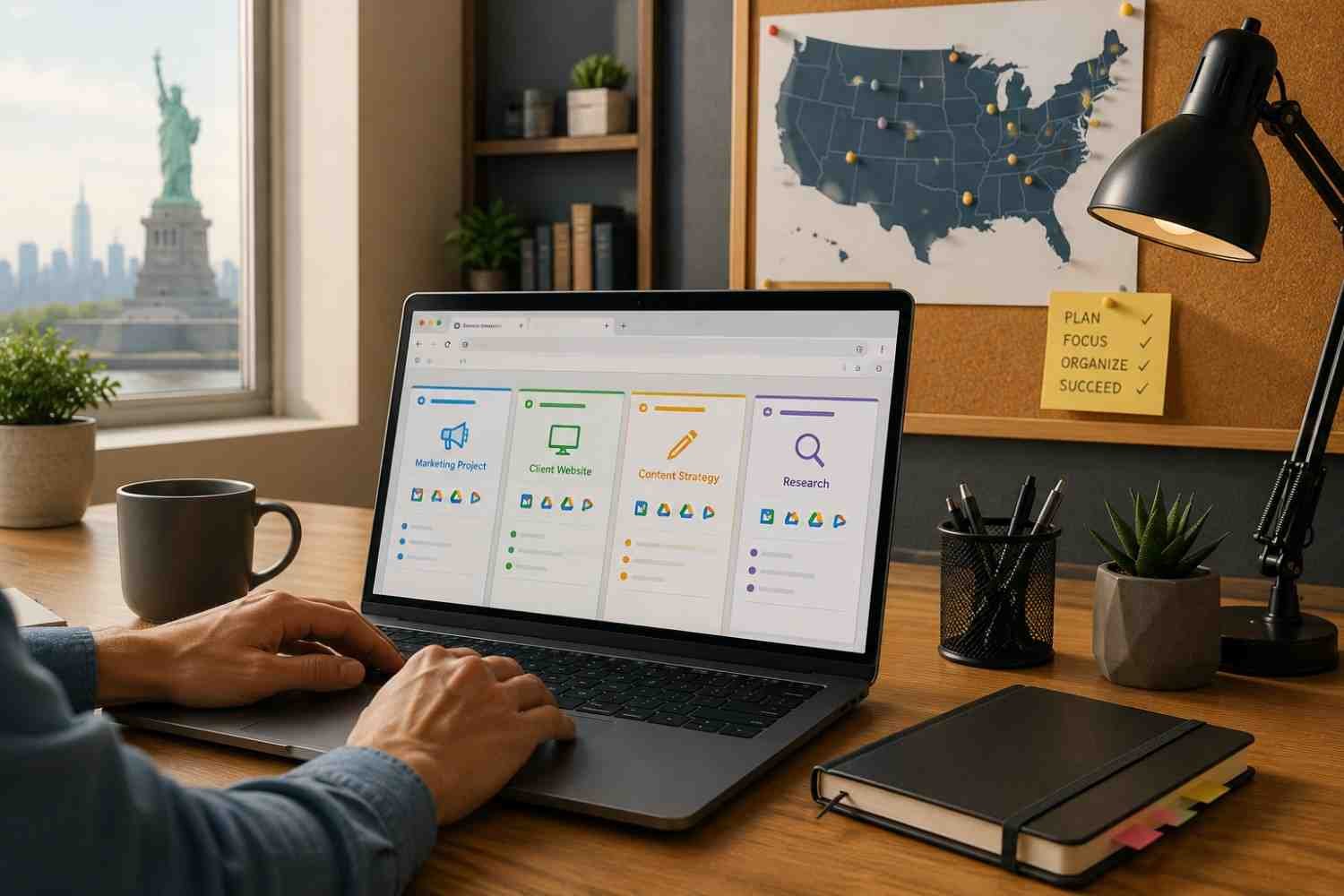
Tab groups provide a simple way to separate project resources. Instead of maintaining dozens of unrelated tabs, each project receives its own organized group that can be expanded or collapsed when needed.
Saved session tools make this process even more efficient. Rather than reopening websites manually, entire browsing sessions can be restored with a single click.
Separate browser profiles add another layer of organization. Work projects, client accounts, and personal browsing remain isolated from one another, reducing clutter and improving focus.
These practices become particularly valuable when improving workflow with multiple apps across different projects and responsibilities.
Design Reusable Layouts For Development And Creative Work
Developers and designers often benefit the most from reusable workspace systems because their projects tend to follow predictable patterns.
For development projects, Visual Studio Code allows users to save workspace configurations. Open folders, project files, and workspace settings can all be restored automatically through workspace files.
Design teams can achieve similar consistency through master templates. Creating a design file that contains standardized sections for wireframes, components, assets, and archived work eliminates repetitive setup tasks.
Instead of rebuilding project environments repeatedly, teams can start working immediately.
Use Automation To Launch Your Entire Workspace
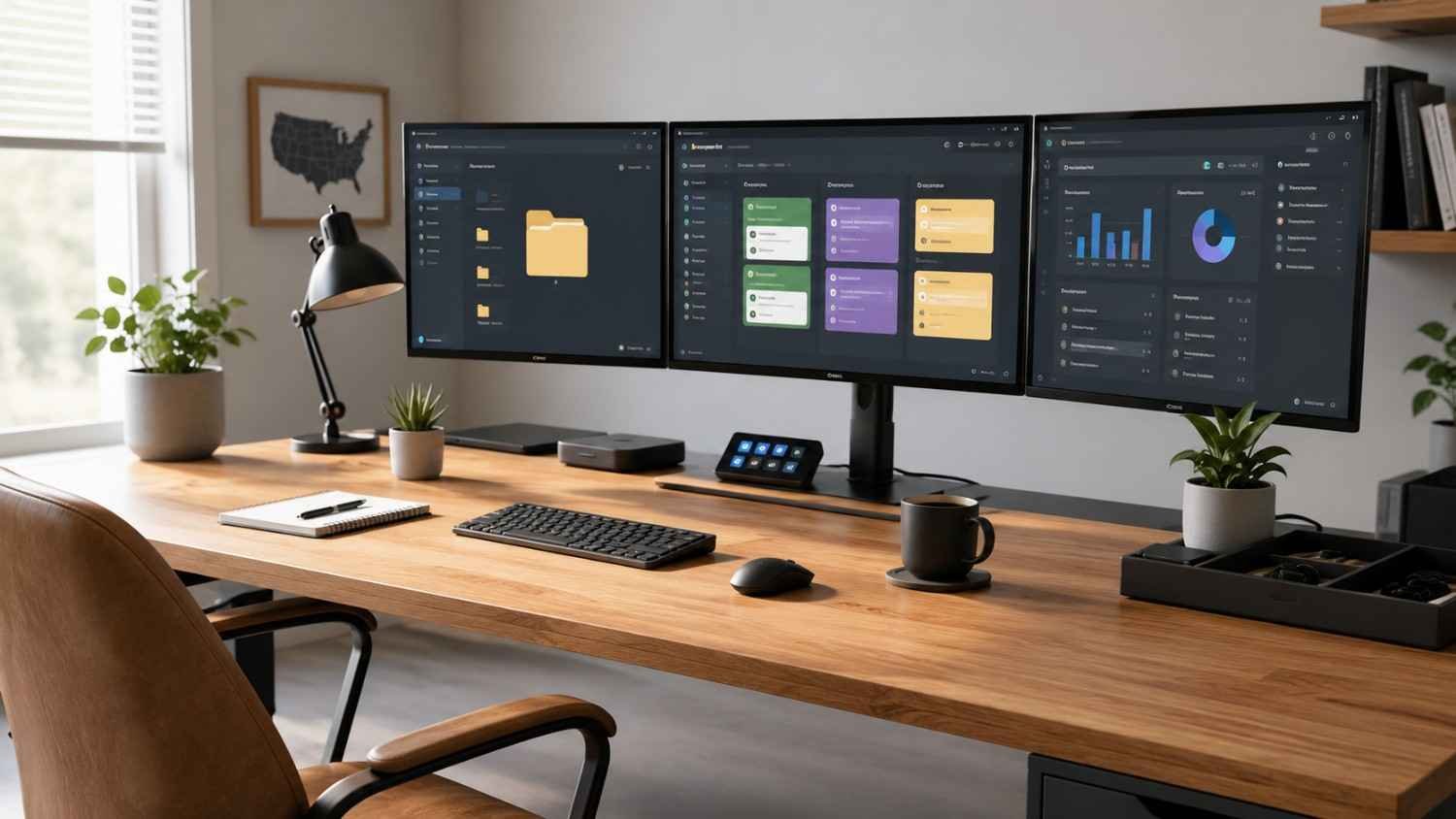
The real power of reusable layouts emerges when automation enters the picture.
Many professionals still open applications, folders, and websites manually every morning. While each action seems small, the cumulative time loss can be substantial.
Automation tools simplify this process by launching complete project environments instantly. A shortcut can open required applications, project folders, documentation, dashboards, and communication channels simultaneously.
Windows users can create simple batch files to launch resources automatically. Mac users can build workflows through the Shortcuts application. Physical productivity devices such as Stream Deck can trigger entire project setups with a single button press.
Automation removes repetitive startup tasks and helps work begin immediately.
Frequently Asked Questions: How To Create Reusable Workspace Layouts And Keep Projects Organized
1. What is a reusable workspace layout?
A reusable workspace layout is a predefined structure for files, applications, windows, and workflows that can be duplicated across multiple projects to save time and maintain consistency.
2. How do reusable workspace layouts improve productivity?
They reduce setup time, minimize context switching, improve organization, and make it easier to locate information quickly.
3. Can reusable workspace layouts work for small teams?
Yes. Small teams often benefit significantly because standardized layouts improve collaboration and make onboarding simpler.
4. How often should workspace layouts be updated?
Reviewing layouts every few months is a good practice. Updates should reflect workflow changes, new tools, and evolving project requirements.
Why Organized Systems Keep Delivering Long After Setup
Creating reusable workspace layouts requires some upfront effort, but the benefits continue to compound over time. Every organized folder, saved browser session, automated workflow, and standardized template removes a small obstacle from your day. Those small improvements add up quickly, especially when managing multiple projects at once.
The most effective workspace is not the one with the most features. It is the one that helps you start faster, stay focused longer, and keep every project moving in the right direction.