Improving Workflow With Multiple Apps: Simple Steps To Work Faster And Smarter

Most people rely on several apps throughout the day. One tool handles communication, another manages projects, while others store files, schedule meetings, or track tasks. At first, adding new software feels like a productivity boost. Over time, though, constantly switching between platforms can create more work than expected.
Many professionals discover that their biggest productivity problem is not a lack of tools but a lack of connection between them. Information gets scattered, notifications become overwhelming, and simple tasks take longer than they should. The good news is that improving workflow with multiple apps does not always require a major overhaul. Small changes can make a noticeable difference in how quickly and smoothly work gets done.
How To Evaluate The Apps You Already Use

Before introducing new software, take a close look at your current workflow management system.
Start by listing every app your team uses during a typical week. Then identify where information gets duplicated, where manual updates happen, and where communication slows down.
You may discover that several tools perform similar functions. In many cases, reducing complexity improves workplace efficiency more than adding another platform.
Ask yourself:
- Which apps are used daily?
- Which tools create the most friction?
- Where does information get lost?
- Which repetitive tasks consume the most time?
This simple audit often reveals opportunities for immediate improvement.
Simple Steps For Improving Workflow With Multiple Apps
Once you understand where inefficiencies exist, you can begin building a more connected workflow.
Connect Your Apps Wherever Possible
One of the fastest ways to improve business productivity is by allowing apps to communicate automatically.
Modern app integrations eliminate many repetitive tasks that employees perform every day. Instead of manually transferring information between platforms, automation tools can handle the process in the background.
Tools such as Zapier and Make help connect applications and automate workflows without requiring advanced technical skills. For example, when a new lead enters a customer relationship management system, an automated workflow can instantly create a task, notify the team, and update a spreadsheet.
Small automations may only save a few minutes each day, but those savings add up significantly over time.
Sync Important Information Across Platforms
Deadlines often get missed because information exists in separate locations.
Connecting project management software with your calendar creates better visibility into upcoming responsibilities. Team members can see deadlines, meetings, and milestones in one place instead of checking multiple platforms throughout the day.
The same principle applies to file management. Connecting cloud storage directly to communication platforms makes document sharing faster and reduces time spent searching for files.
When information flows naturally between systems, teams can make decisions faster and collaborate more effectively.
Create A Central Hub For Work
Many successful digital workflows rely on a single source of truth.
Instead of forcing employees to search across multiple platforms, establish one primary location where important information lives. This could be a project management platform, knowledge base, or collaborative workspace.
Having a centralized dashboard improves information sharing and reduces confusion. Team members know exactly where to find updates, documents, and project details.
A central hub does not replace every app. It simply provides a consistent starting point that keeps everyone aligned.
Standardize Your Technology Stack

Many organizations accumulate software over time without a clear strategy. Different departments adopt different tools, creating unnecessary complexity.
A better approach is to standardize your stack whenever possible.
Limit your software choices to one application per major function. If one project management platform already meets your needs, there may be little value in maintaining a second one.
All-in-one platforms have also become increasingly popular because they combine notes, tasks, documentation, and collaboration features into a single workspace. This reduces app switching and helps teams stay organized.
Before purchasing any new software, verify that it integrates with your existing workflow. An impressive feature list means little if the platform cannot connect with the tools your team already depends on.
How To Optimize Daily Workflow Habits
Technology alone cannot solve workflow challenges. Daily habits play an equally important role.
Using single sign-on tools or password managers can remove unnecessary login friction. Employees gain quick access to essential systems without juggling dozens of credentials.
Learning keyboard shortcuts for frequently used applications can also create noticeable efficiency gains. Saving a few seconds on common actions throughout the day adds up surprisingly quickly.
Another effective habit is batching notifications. Constant alerts break concentration and reduce productivity. Instead of responding to every message immediately, set specific times to review updates and communications.
Creating intentional work patterns often improves performance more than adopting another productivity tool.
Tips To Keep Your Workflow Organized Over Time
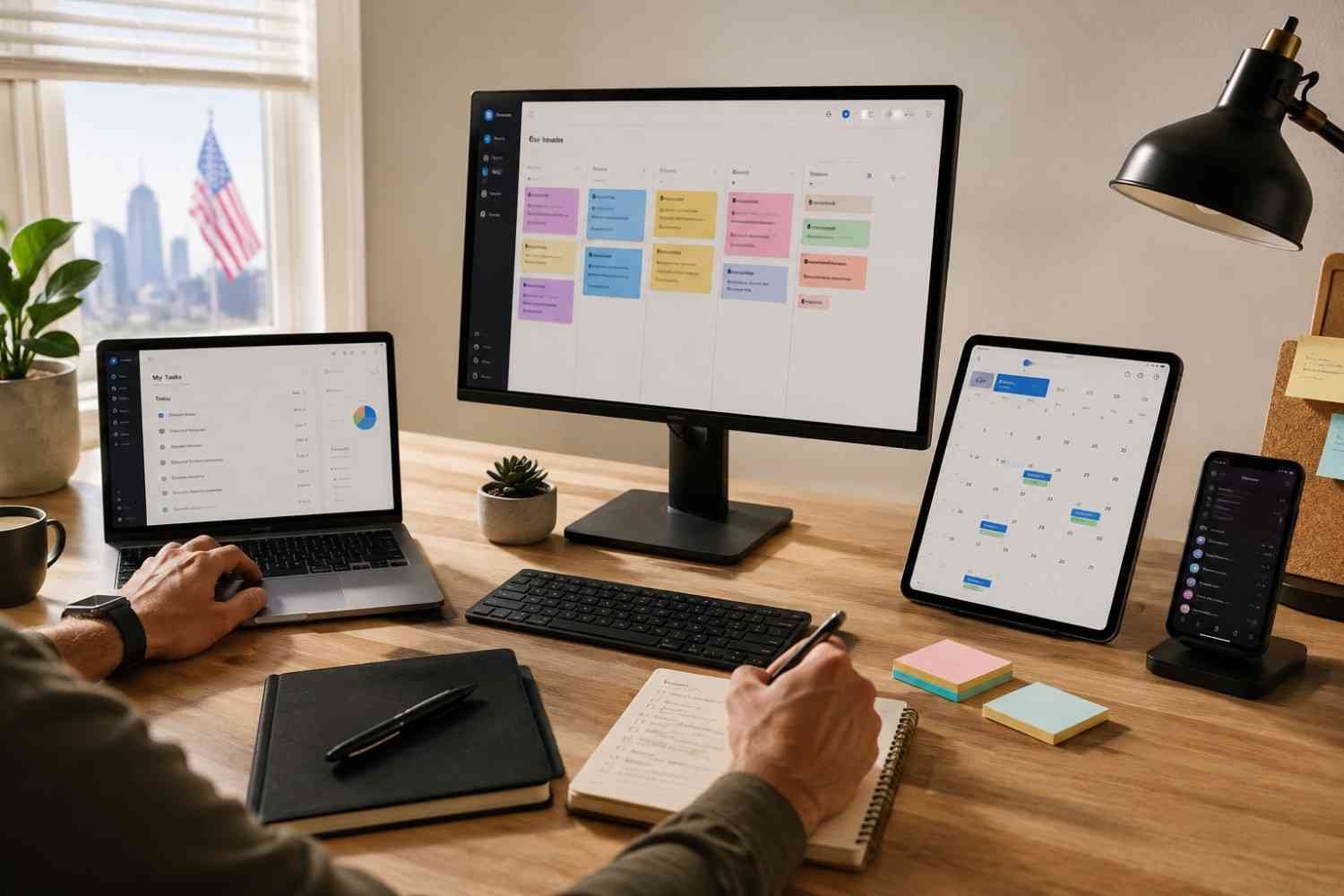
Even well-designed workflows need regular maintenance.
- Review your app stack every few months.
- Remove tools that no longer provide value.
- Update automation rules when processes change.
- Keep documentation current and accessible.
- Train team members on workflow best practices.
- Monitor recurring bottlenecks and address them early.
Consistent optimization prevents small inefficiencies from becoming major productivity problems.
How Teams Can Improve Collaboration Across Multiple Apps
Collaboration becomes difficult when departments use disconnected systems. Team members may have access to different information, causing delays and misunderstandings.
The solution is not necessarily fewer tools but better-connected tools. Shared dashboards, synchronized project updates, and integrated communication platforms create greater transparency.
Teams should also establish clear expectations regarding where conversations, files, and project updates belong. When everyone follows the same process, work moves more smoothly across departments.
This is also where understanding how to create custom layouts can be valuable. Custom views allow teams to organize information according to their specific workflows, making important updates easier to find and reducing unnecessary navigation between applications.
Frequently Asked Questions: Improving Workflow With Multiple Apps: Simple Steps To Work Faster And Smarter
1. How many apps are too many for a workflow?
There is no fixed number. The problem occurs when apps create duplication, confusion, or excessive switching. A smaller, well-integrated tool stack is usually more effective than a large collection of disconnected apps.
2. What is the biggest challenge of using multiple apps?
The biggest challenge is information fragmentation. Important updates, files, and conversations become scattered across platforms, making it harder to stay organized and productive.
3. Do small teams benefit from workflow automation?
Yes. Small teams often see significant benefits because automation reduces repetitive tasks and allows employees to focus on higher-value work without increasing headcount.
4. How often should workflows be reviewed?
Most organizations benefit from reviewing workflows every quarter. Regular reviews help identify inefficiencies, outdated processes, and opportunities for improvement.
Why The Best Workflows Feel Almost Invisible
The most effective workflows are rarely the most complicated. They simply allow information to move smoothly between people, systems, and tasks. When apps are connected, processes are standardized, and daily habits support productivity, work feels easier and more manageable. Teams spend less time chasing updates and more time making progress.
Small improvements made consistently often outperform large productivity overhauls. The goal is not to use more tools. It is to make the tools you already have work better together.