Practical App Tutorials for Everyday Users: Tips That Actually Save Time

Most people interact with dozens of apps every day without giving much thought to how they use them. Messages get sent, reminders get ignored, emails pile up, and passwords get forgotten. Over time, these tiny inefficiencies add up and quietly consume hours each week.
What’s interesting is that many of the best productivity improvements don’t require downloading new software or learning complex systems. They often come from features already built into the apps and devices you use every day. A few small adjustments can reduce repetitive tasks, improve digital organization, and make everyday technology feel much less overwhelming.
Why Most People Never Get the Full Value From Their Apps?

Many users develop habits around apps within the first few days of downloading them. Once a routine forms, they rarely explore beyond the features they initially learned.
App developers regularly add new tools designed to improve workflow efficiency, but those updates often go unnoticed. As a result, people continue performing tasks manually even when automation options already exist.
This creates a surprising gap between what an app can do and how most people actually use it. Practical app tutorials for everyday users help bridge that gap by focusing on real-world tasks instead of technical explanations.
Start With the Features You Already Use Every Day
Before looking for new productivity tools, take a closer look at the apps already installed on your phone.
Text Replacement Can Eliminate Repetitive Typing
One of the simplest yet most effective mobile app tips is setting up text replacement shortcuts.
If you regularly type your email address, phone number, home address, or standard responses, you can create custom abbreviations that automatically expand into full text.
For example, typing “@@” could instantly insert your complete email address. A shortcut like “meet1” could generate a full meeting response with a single tap.
This feature reduces typing errors while speeding up digital communication throughout the day.
Use Search Instead of Endless Scrolling
Many users still scroll through emails, notes, files, and messages manually. Modern app navigation tools include powerful search functions that can locate information in seconds.
Whether you’re searching for a receipt, a saved document, or an old conversation, learning how search filters work can dramatically improve smartphone productivity.
Save Preferences Wherever Possible
Many apps allow you to save default settings, payment methods, favorite locations, and frequently used actions.
Taking a few minutes to configure these preferences can eliminate dozens of unnecessary taps every week.
Small App Features That Save More Time Than People Expect

Some of the most useful app features remain hidden in plain sight.
Location-Based Reminders
Traditional to-do lists depend on memory. Location-based reminders depend on context.
Instead of remembering to stop by the dry cleaner, grocery store, or pharmacy, your phone can automatically notify you when you arrive nearby.
Built-in reminder tools available on many devices allow users to trigger alerts based on geographic locations. This approach reduces mental clutter and helps tasks appear exactly when they’re relevant.
Voice Input and Quick Actions
Typing isn’t always the fastest option.
Voice-to-text features have improved significantly and can help users create notes, send messages, or capture ideas while multitasking.
Quick actions provide another overlooked shortcut. Many apps allow users to press and hold icons to access common functions immediately without navigating multiple menus.
These small workflow improvements often save more time than downloading entirely new productivity apps.
AI-Powered Summaries and Research Assistance
AI tools have become valuable productivity companions for everyday users.
Instead of reading lengthy reports, articles, or documents from beginning to end, AI-powered platforms can generate concise summaries, key takeaways, FAQs, and study guides within seconds.
This is particularly useful for students, professionals, and anyone trying to process large amounts of information efficiently.
As more people learn how to use advanced app features, AI-driven tools are becoming a natural part of everyday digital workflows rather than specialized technology reserved for experts.
Building Better App Habits Instead of Downloading More Apps
A common mistake is assuming that productivity problems require more apps.
In reality, app overload often creates the opposite effect.
Each new app introduces notifications, accounts, settings, and learning curves. Eventually, users spend more time managing tools than completing tasks.
A more sustainable approach involves building better habits around existing applications.
Consider these simple practices:
- Turn off non-essential notifications to reduce distractions.
- Organize apps into logical folders based on daily activities.
- Review unused apps regularly and remove digital clutter.
These habits improve digital organization while creating a cleaner, more focused mobile experience.
Managing Email Without Letting It Manage You

Email remains one of the biggest productivity challenges for everyday users.
Many people keep their inbox open throughout the day, constantly reacting to new messages as they arrive. This behavior creates continuous context-switching and interrupts focused work.
A more efficient strategy is batching email activity.
The popular 2-Minute Rule works well here. If an email requires less than two minutes to read and complete, handle it immediately.
For everything else, schedule dedicated processing periods rather than checking messages continuously.
Two or three focused inbox sessions often produce better results than dozens of scattered interruptions.
Secure Access Makes Everyday Tasks Faster
Few digital frustrations are more common than forgotten passwords.
Password managers eliminate the need to remember dozens of unique credentials while improving account security at the same time.
These tools automatically fill login information, generate strong passwords, and keep credentials organized across devices through secure cloud storage.
Besides enhancing security, they remove the frequent delays associated with password resets and login troubleshooting.
Learning New Features Without Feeling Overwhelmed
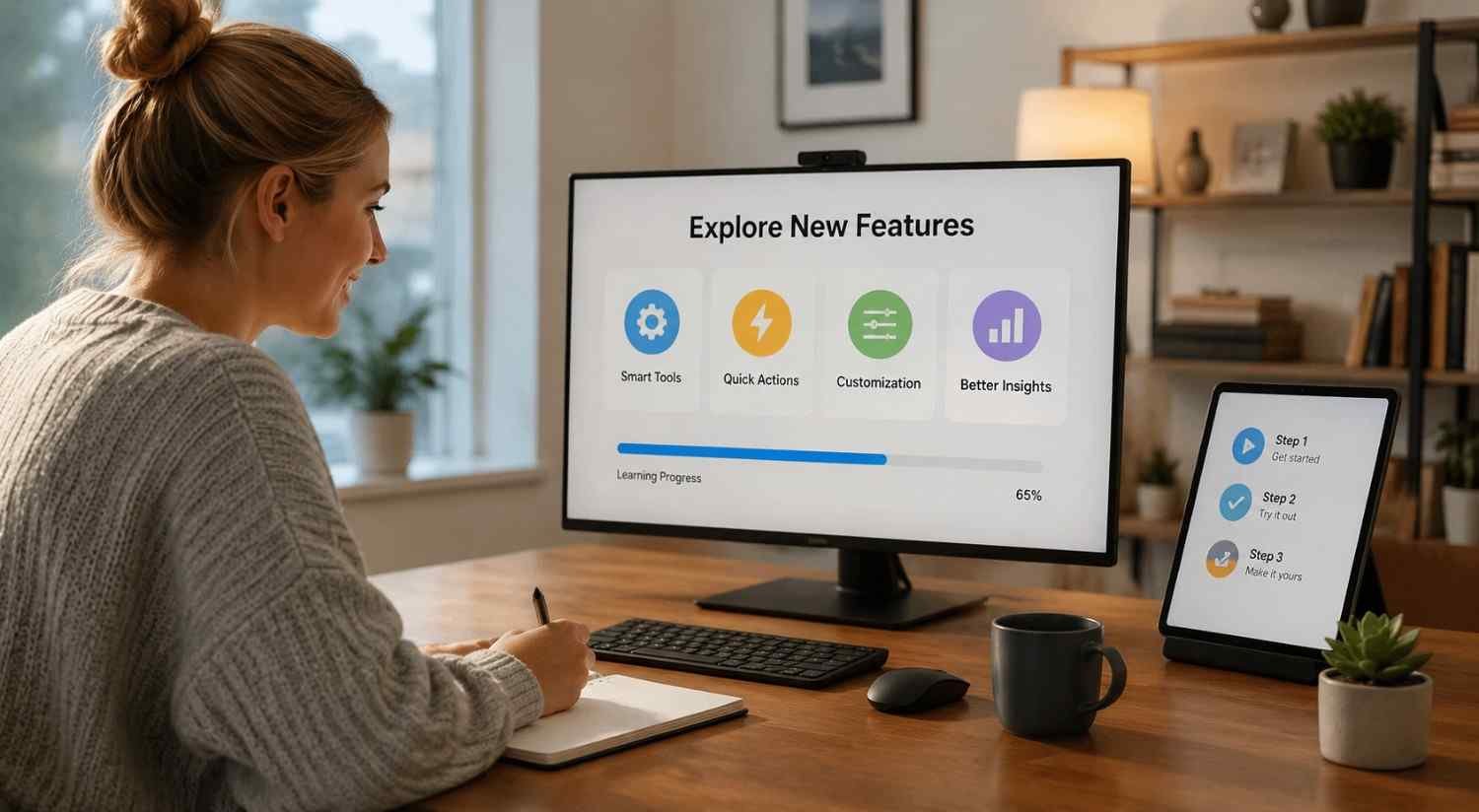
Many users avoid exploring new app settings because they assume the process will be complicated.
Fortunately, digital skills develop best through small, consistent improvements.
Choose one frequently used app each week and spend a few minutes exploring a single new feature. Test it during normal daily activities rather than trying to master everything at once.
Over time, these incremental changes compound into significant gains in workflow efficiency, screen time management, and overall productivity.
The goal isn’t to become a technology expert. It’s to make everyday technology work better for your specific needs.
FAQs: Practical App Tutorials for Everyday Users: Tips That Actually Save Time
1. What are practical app tutorials for everyday users?
Practical app tutorials for everyday users focus on real-world tasks and time-saving features rather than technical explanations. They help people use apps more efficiently in daily life.
2. Which app features save the most time?
Text replacement, voice input, location-based reminders, password managers, cloud synchronization, and AI-powered summaries are among the most effective time-saving features.
3. Do I need productivity apps to become more organized?
Not necessarily. Many built-in smartphone features can improve digital productivity without requiring additional apps or subscriptions.
4. How often should I learn new app features?
A gradual approach works best. Learning one useful feature each week is often enough to build confidence without feeling overwhelmed.
The Small Digital Skills That Add Up Over Time
The biggest productivity gains rarely come from dramatic changes. They come from small adjustments that quietly remove friction from daily routines. A text shortcut here, a reminder there, a smarter way to manage email, or a faster method for accessing information can collectively save hours each month. These improvements may seem minor in isolation, but they create a smoother and more intentional relationship with technology.
The people who get the most value from their devices aren’t necessarily using more apps. They’re simply using the right features more effectively.