How To Arrange Apps For Better Productivity In Just A Few Easy Steps
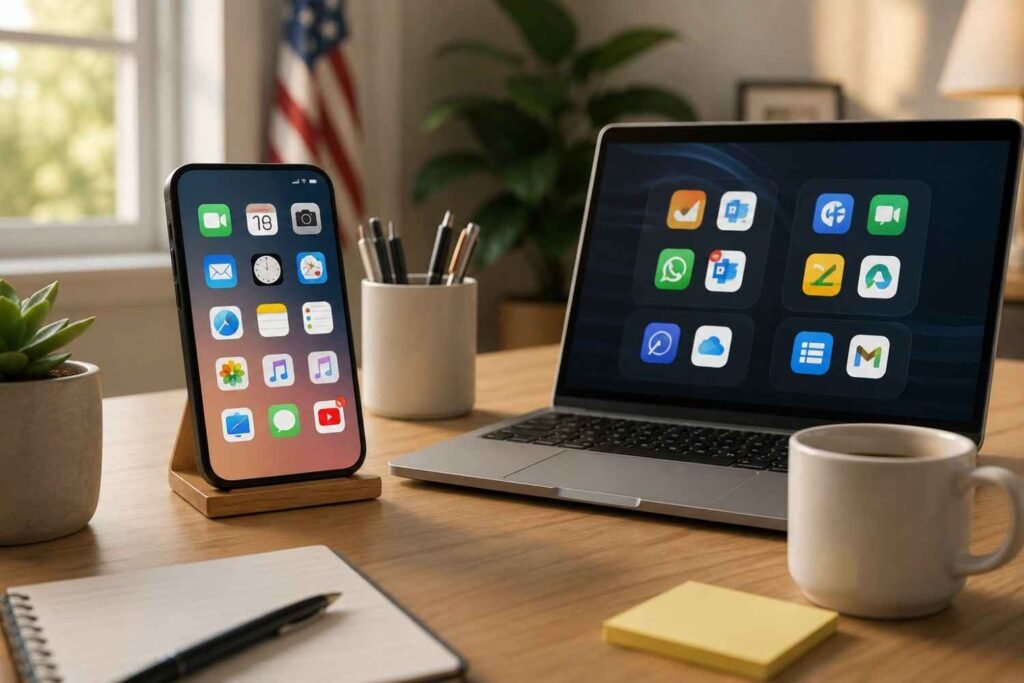
Most people spend a surprising amount of time searching for apps they use every day. It might only take a few seconds each time, but those small interruptions add up. A cluttered home screen creates friction, pulls attention away from important tasks, and makes it harder to stay focused throughout the day.
The good news is that you do not need a complicated productivity system to fix it. A few intentional changes can make your phone, tablet, or computer feel more organized and easier to navigate. When your most important tools are always within reach and distractions are harder to access, your device starts working for you instead of against you.
Why App Organization Has A Bigger Impact Than Most People Think
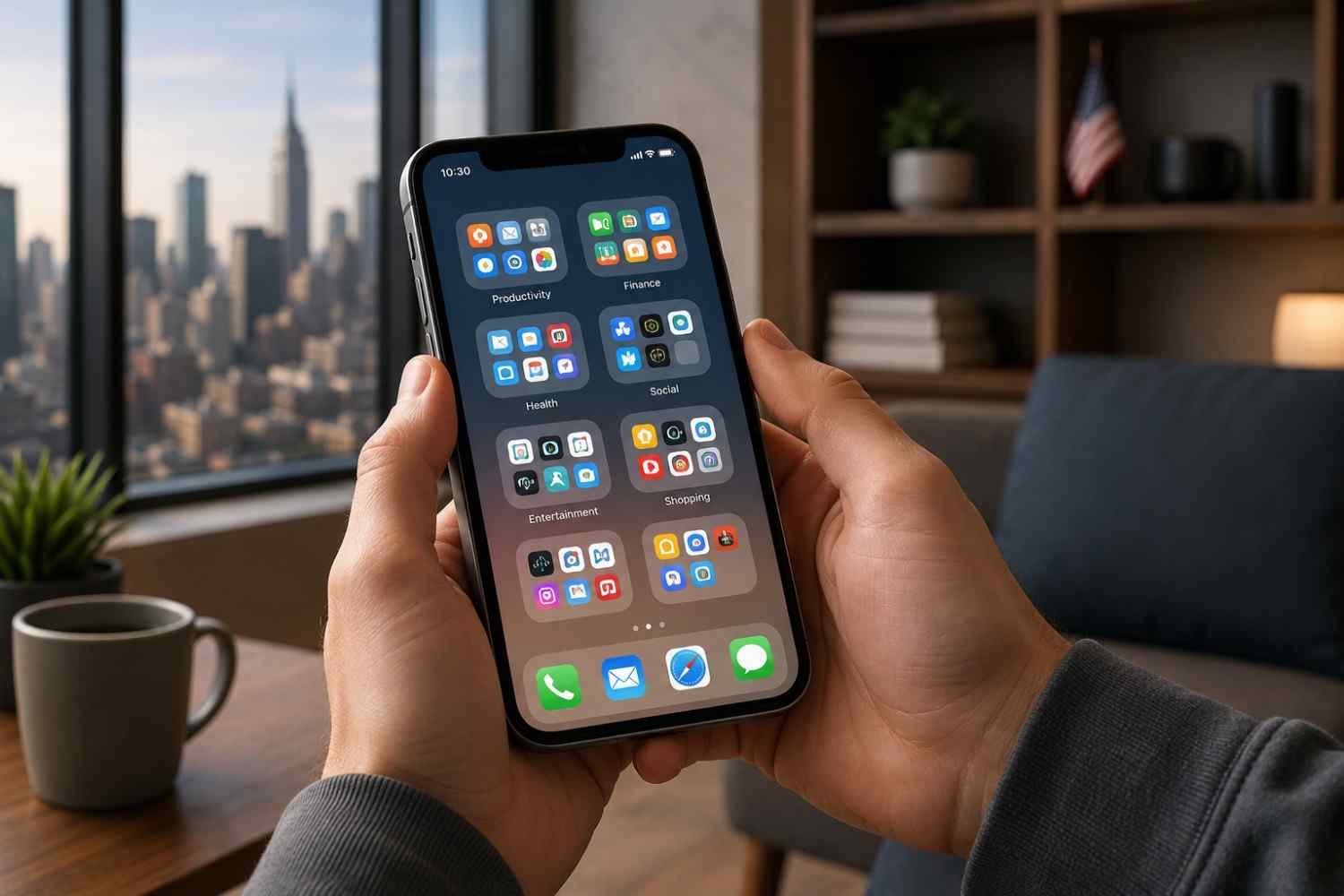
Productivity is often associated with planners, calendars, and task management tools. However, the way your apps are arranged plays a major role in workflow efficiency. Every extra second spent searching for an app creates unnecessary mental effort.
Digital clutter also contributes to decision fatigue. When dozens of icons compete for your attention, your brain has to process more information before making a simple choice. A cleaner app layout reduces those decisions and helps you move from one task to another with less resistance.
Think of your device as a digital workspace. Just as an organized desk can help you focus, an organized screen can improve concentration, reduce distractions, and support better digital habits.
Start By Removing Digital Clutter
Before rearranging anything, take a close look at the apps currently installed on your device.
Many people have multiple apps serving the same purpose. Others keep apps they downloaded months ago and never opened again. Removing these unnecessary tools immediately makes the organization easier.
Delete apps you no longer use, move rarely used tools into folders, and review duplicate applications. This process creates space and helps you identify which apps genuinely support your daily workflow.
Once the clutter is gone, arranging the remaining apps becomes much more effective.
How To Arrange Apps For Better Productivity In Just A Few Easy Steps
Step 1: Optimize Your Thumb Zone
The easiest productivity improvement starts with app placement.
Your most-used apps should be located where your thumb naturally reaches. This minimizes movement and makes daily interactions faster.
Reserve your bottom dock for essential apps you use throughout the day. These might include your calendar, notes app, messaging platform, or phone app.
The lower portion of your screen should contain other frequently used tools. Less important apps can move toward the top of the screen, where they remain accessible but are not constantly competing for attention.
This simple adjustment reduces digital friction and makes everyday actions feel more seamless.
Step 2: Group Apps By Actions Instead Of Categories
Traditional folders often have labels like “Productivity” or “Utilities.” While these categories seem logical, they do not always help you find apps quickly.
Instead, organize folders around actions.
A folder called “Communicate” instantly tells your brain where messaging and email apps belong. A folder called “Create” can contain document editors, design tools, and content creation platforms. “Finance” can hold banking apps, payment tools, and budgeting software.
An action-based organization aligns with how people naturally think about tasks. Rather than remembering which category an app belongs to, you simply think about what you want to do.
Step 3: Build A Minimalist Home Screen
One of the most effective app organization tips is limiting what appears on your first screen.
Your primary home screen should contain only the apps and widgets that actively support your goals. Everything else can move to secondary screens or your app library.
Many productivity-focused users follow a one-screen policy. They keep essential apps visible and hide entertainment apps behind additional steps. This small barrier makes mindless scrolling less likely.
Widgets can also improve your user experience when used carefully. A calendar widget, task list, or weather widget provides information instantly without requiring you to open another app.
The goal is simple: reduce visual noise while keeping important information accessible.
Step 4: Reduce Distractions Through Smart Placement
App organization is not just about convenience. It is also about controlling attention.
Social media platforms, shopping apps, streaming services, and games are often designed to encourage repeated engagement. Keeping them on your first screen increases the temptation to open them throughout the day.
Move these apps away from your main workspace. Place them in folders, secondary pages, or app libraries where they require a deliberate search.
You can take this one step further by reviewing notification settings. Many notifications are unnecessary and interrupt deep work. Limiting alerts to genuinely important apps creates a more distraction-free workspace.
Productivity Tips That Make App Organization Work Long-Term
A productive screen layout is easier to maintain when supported by simple habits:
- Review your app layout once every few weeks and remove anything you no longer use.
- Keep your most important apps in the same location to build muscle memory.
- Limit the number of folders on your main screen.
- Use focus modes during work sessions.
- Regularly evaluate whether new apps genuinely add value to your workflow.
Small adjustments over time are usually more effective than major reorganizations every few months.
Common Mistakes That Make Screens More Confusing
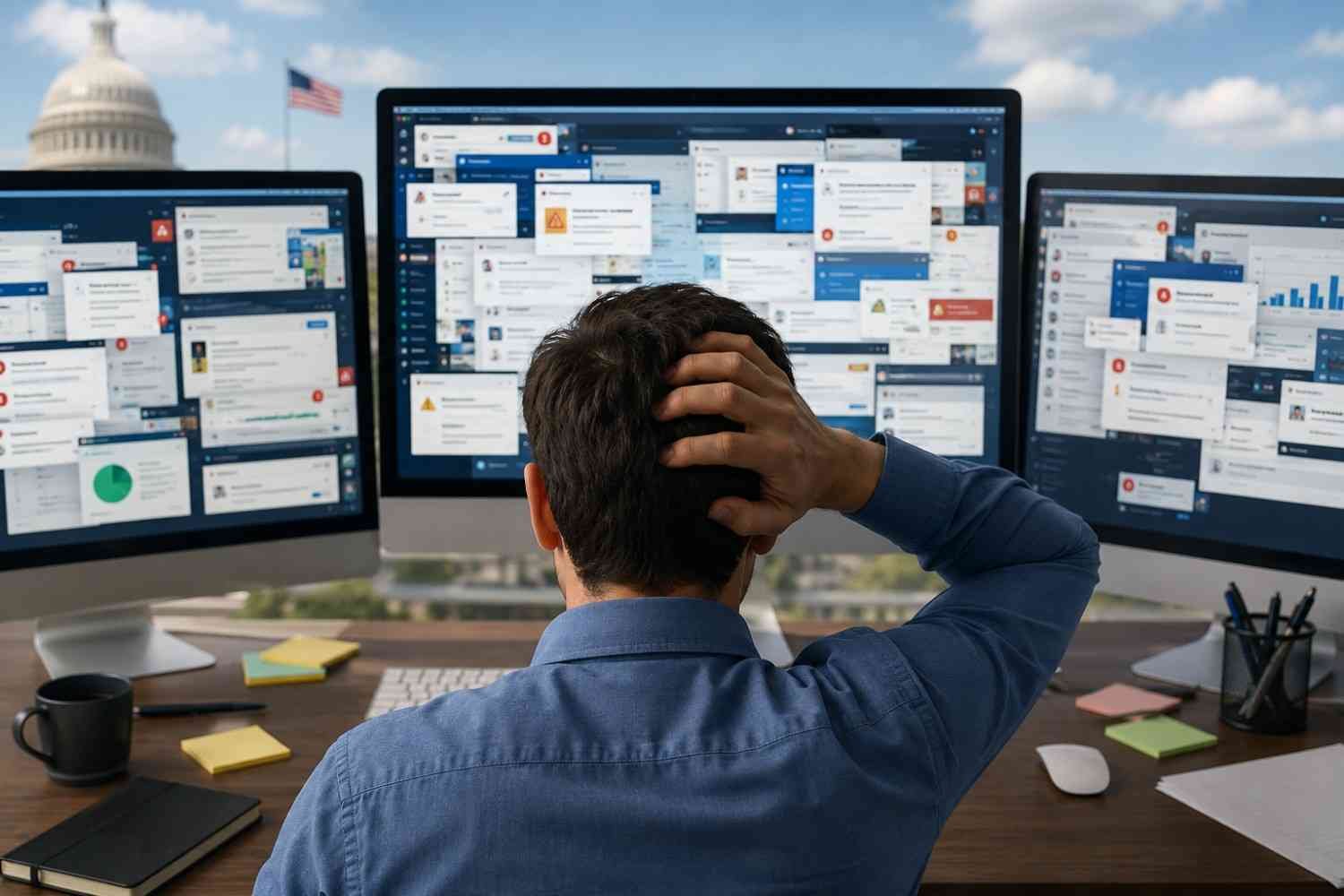
Many people accidentally create more complexity while trying to get organized.
One common mistake is creating too many folders. If every folder contains only one or two apps, navigation becomes harder rather than easier.
Another mistake is organizing solely by color or aesthetics. While visual grouping can help some users, functionality should always come first.
Overloading the home screen with widgets can also create clutter. Widgets should provide useful information at a glance, not compete for attention.
Finally, avoid changing your layout too often. Consistency improves speed because your brain learns where everything belongs.
Creating A Consistent System Across Devices
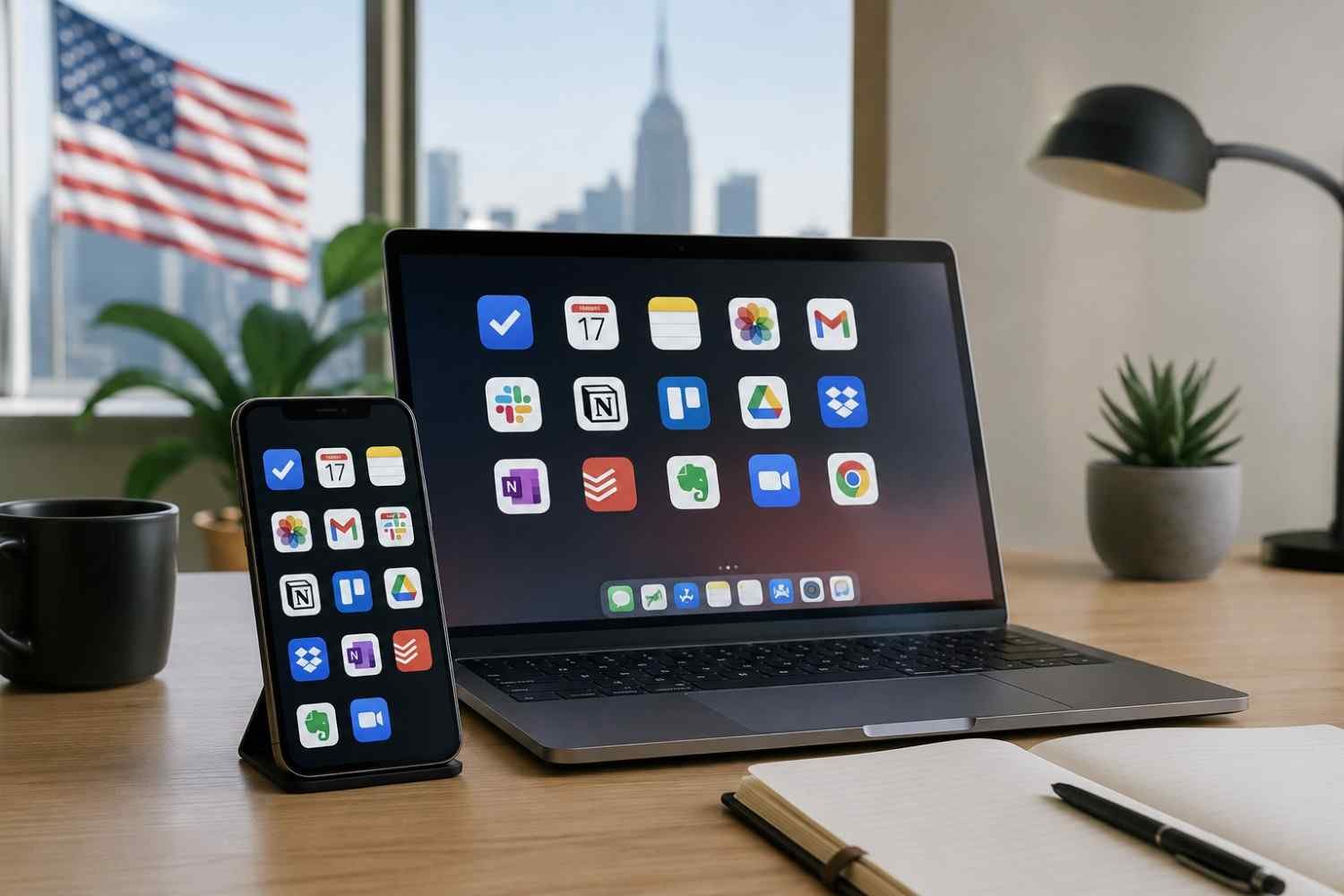
Many professionals switch between phones, tablets, and computers throughout the day. When every device follows a completely different structure, productivity suffers.
Creating a consistent organizational system across devices reduces the learning curve and improves workflow efficiency. Similar folder names, comparable layouts, and consistent app placement help you transition smoothly between screens.
This is also where understanding how to create reusable workspace layouts becomes valuable. Applying a familiar structure across multiple devices allows you to locate tools faster and maintain focus regardless of which screen you are using.
The goal is not perfection. The goal is predictability.
Frequently Asked Questions: How To Arrange Apps For Better Productivity In Just A Few Easy Steps
1. What is the best way to organize apps for productivity?
The most effective approach is to keep frequently used apps within easy reach, group apps by purpose, and remove unnecessary distractions from your main screen.
2. Should I organize apps by category or frequency of use?
A combination of both usually works best. Place frequently used apps in accessible locations while grouping related tools into folders based on actions or tasks.
3. How often should I reorganize my apps?
A quick review every few weeks is usually enough. Remove unused apps and adjust your layout if your workflow changes.
4. Do widgets improve productivity?
Yes, when used thoughtfully. Widgets can provide quick access to calendars, tasks, and important information without requiring you to open multiple apps.
Why Simpler Screens Usually Lead To Better Focus
The most productive digital workspaces are rarely the most complicated ones. They are usually clean, predictable, and intentionally designed around daily habits. When your apps support your workflow instead of competing for your attention, everyday tasks feel easier to complete. Small changes such as improving app placement, reducing clutter, and limiting distractions can create noticeable improvements in focus and time management.
A well-organized screen will not solve every productivity challenge, but it can remove dozens of tiny obstacles that slow you down each day.